
Get the full Dukago experience on your phone
Push notifications, offline access, and a persistent icon on your home screen. If you just want to get moving right now without installing anything, Get Started works entirely in your browser.
On desktop, scan the QR code to open the download page on your phone. On mobile, tap a badge above.
Or use the web app instead →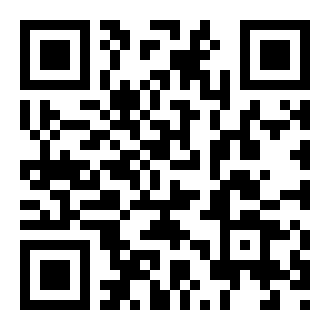
Built for people who use Dukago often
Push notifications
Get notified the moment a rider is assigned, arrives, or completes a delivery.
Offline access
View recent orders and tracking history even without a live connection.
Home screen access
Open Dukago in one tap, without navigating to a browser first.
Faster performance
A native experience built for speed on everyday delivery and ordering tasks.
Two ways to use Dukago
Get Started opens the web app in your browser instantly, no install required. Download App installs the native mobile app for the fullest experience. Neither is required to use the other.
Ready to get moving?
Get started in your browser now, or grab the app on Google Play.